
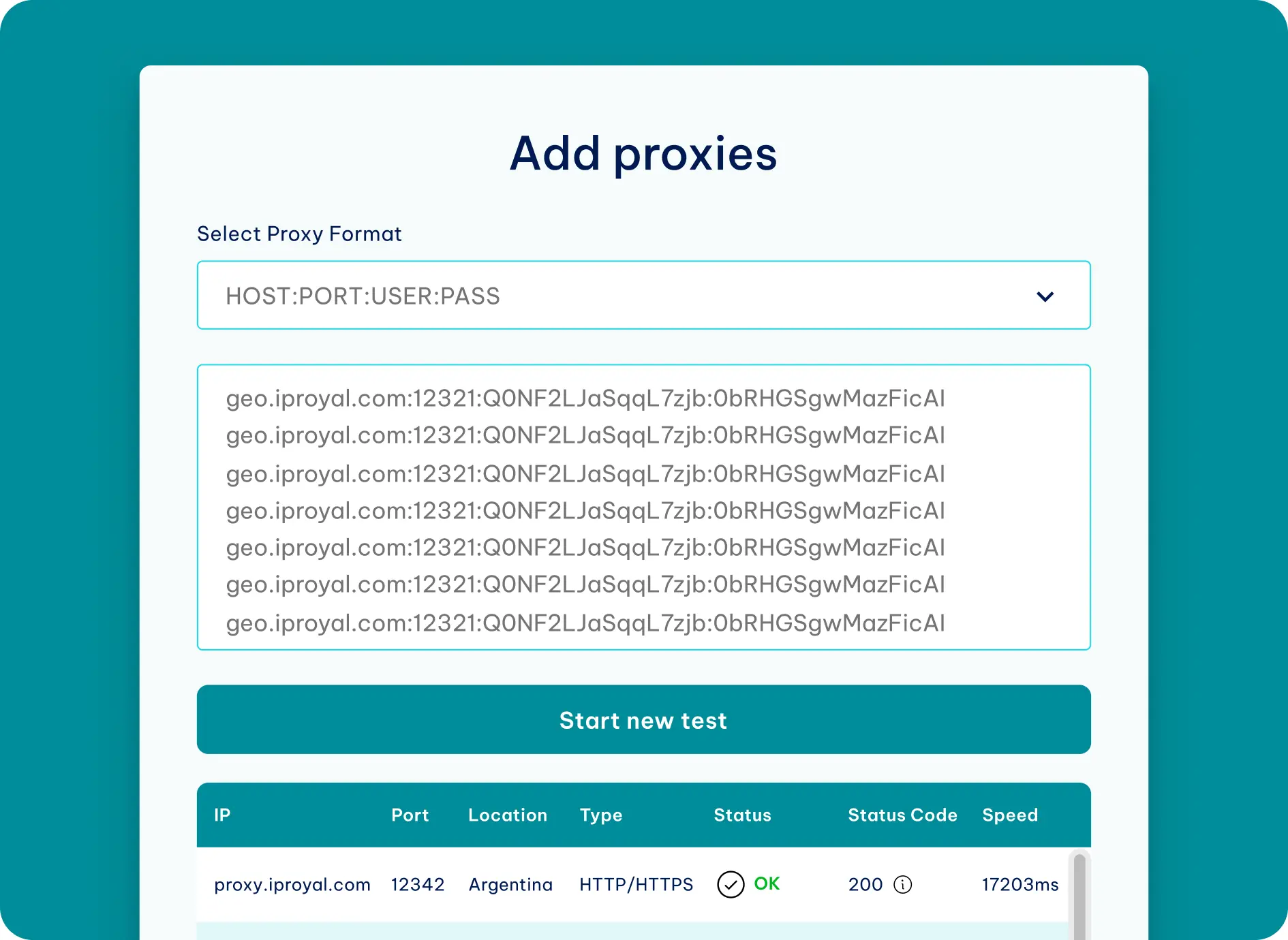
🚀 Advanced IRC Proxy Scanner Bot with IP Intelligence
Welcome to the most comprehensive IRC Proxy Scanner Bot that not only finds working SOCKS proxies for IRC servers but also includes powerful IP lookup and blacklist checking capabilities. This bot is perfect for IRC network administrators, security researchers, and privacy enthusiasts.
✨ Key Features
- Live Testing on Skychatz: Bot actively running on irc.skychatz.org #Proxy
- IRC Proxy Scanning: Tests SOCKS4/SOCKS5 proxies against multiple IRC servers
- IP Geolocation: Get location, ISP, and organization info for any IP
- Blacklist Checking: Check IPs against DroneBL and multiple blacklists
- Proxy/VPN Detection: Identify if an IP is a proxy, VPN, or hosting provider
- Auto-scanning: Regular scans for continuous proxy discovery
- Quality Scoring: Each proxy gets a score based on latency and protocol
- IRC Integration: Full IRC bot with admin commands and channel reporting
🎯 Try It Live Now!
Server: irc.skychatz.org:7000
Channel: #Proxy
Connect using any IRC client (HexChat, mIRC, WeeChat, etc.) or webchat and start using these commands immediately:
!ipw 202.188.18.188– Check IP location!dronebl 185.220.101.1– Check blacklist status!scan– Start a proxy scan!proxies– See current working proxies
No registration required – just join and start testing!
📋 IRC Commands
| Command | Description |
|---|---|
!ipw <IP> |
Get location, ISP, and organization info for an IP |
!dronebl <IP> |
Check if IP is listed in DroneBL with reason codes |
!blacklist <IP> |
Check IP against multiple blacklists |
!proxycheck <IP> |
Comprehensive proxy/VPN detection |
!scan |
Start manual proxy scan |
!proxies |
List working proxies |
!ircproxies |
Show IRC-compatible SOCKS proxies |
!currentserver |
Show current test server |
!listservers |
List available IRC servers for testing |
!status |
Show bot connection status |
!stats |
Display scan statistics |
!uptime |
Show bot uptime |
!ping |
Pong! Check bot responsiveness |
!menu |
Show all available commands |
🛠️ DroneBL Response Codes
When using !dronebl on our Skychatz server, you’ll see these reason codes:
- Code 2: Spam Assassin
- Code 3: IRC Drone
- Code 4: Compromised Source
- Code 5: Bottler
- Code 6: Unknown Spambot
- Code 7: DDoS Drone
- Code 8: SOCKS Proxy
- Code 9: HTTP Proxy
- Code 10: Proxy Chain
- Code 11: Web Page Proxy
- Code 12: Open Proxy (DNSBL)
- Code 13: Tor Exit Node
- Code 14: Abused VPN
- Code 15: Abused Web Proxy
🎯 IP Lookup Examples (Live on #Proxy)
!ipw 202.188.18.188
📍 202.188.18.188 – Kuala Lumpur, Kuala Lumpur, Malaysia | ISP: TM Net | AS: AS4788 TM Net
!dronebl 185.220.101.1
⚠️ 185.220.101.1 is LISTED in DroneBL – Tor Exit Node | This IP provides strong anonymity
!proxycheck 104.16.0.0
⚠️ 104.16.0.0 is hosting provider infrastructure | ISP: Cloudflare, Inc.
!blacklist 8.8.8.8
✅ 8.8.8.8 is clean on all checked blacklists
🔍 How It Works
- Proxy Collection: Fetches SOCKS4/SOCKS5 proxies from multiple sources
- IRC Testing: Tests each proxy against configured IRC servers (including skychatz.org)
- Quality Scoring: Assigns scores based on latency and protocol type
- IP Intelligence: Queries ip-api.com for geolocation and ISP data
- Blacklist Checking: Verifies IPs against DroneBL and other DNSBLs
- Result Storage: Saves working proxies with timestamps and scores
🖥️ Admin Commands
Channel operators and admins have access to:
!changeserver SERVER:PORT– Change the default test server!testproxy IP:PORT– Test a specific proxy!testserver IP:PORT SERVER:PORT– Test proxy against custom server
📊 Performance Features
- Rate Limiting: Configurable delays to avoid bans
- Multi-threading: Fast concurrent proxy testing
- Auto-reconnect: Automatically reconnects to IRC if disconnected
- NickServ Support: Automatic identification with services
- Result Logging: Saves all working proxies with metadata
🌐 Supported IRC Servers for Testing
The bot tests proxies against these popular IRC networks, with Skychatz as the default:
- ⭐ galaxy.skychatz.org:7000 (Default)
- irc.libera.chat:6667
- irc.rizon.net:6667
- irc.undernet.org:6667
- irc.dal.net:6667
- irc.quakenet.org:6667
- chat.freenode.net:6667
- irc.efnet.org:6667
- irc.oftc.net:6667
🔄 Ready to Test Proxies?
Join our IRC channel right now:
irc.skychatz.org:7000 #Proxy
Type !menu to see all commands
🔧 Troubleshooting
Common issues when connecting:
- Can’t connect to Skychatz? Make sure you’re using port 7000
- Nickname in use? Try a different nickname
- No proxies found? The scan runs every 5 minutes, wait or use !scan
- Bot not responding? The bot is 24/7 but may be briefly offline for updates
💬 Community
Join our IRC channel #Proxy on irc.skychatz.org:7000 to:
- Test the bot in real-time
- Share working proxies with others
- Get help with using the bot
- Request new features
- Report bugs or issues
Last updated: February 2025 | Version 2.0
#IRC #Proxy #Skychatz #SOCKS5 #IPLookup #DroneBL #BlacklistCheck #ProxyScanner
👋 See you on irc.skychatz.org:7000 #Proxy!
5 Responses
My brother suggested I would possibly like this blog.
He was once entirely right. This publish truly made my day.
You cann’t believe just how much time I had spent for this info!
Thanks!
I absolutely love your blog and find most of your post’s to be exactly I’m looking
for. can you offer guest writers to write content for you?
I wouldn’t mind composing a post or elaborating on many
of the subjects you write regarding here. Again, awesome
web log!
It’s in fact very complicated in this active life to listen news on TV,
therefore I simply use the web for that reason, and obtain the most
up-to-date news.
Good post however , I was wanting to know if you could write a litte
more on this topic? I’d be very thankful if you could elaborate a little bit
further. Many thanks!
I do consider all the concepts you’ve presented for your post.
They are really convincing and will certainly work. Still,
the posts are too brief for newbies. May just you please lengthen them a little from next time?
Thank you for the post.